Getting started
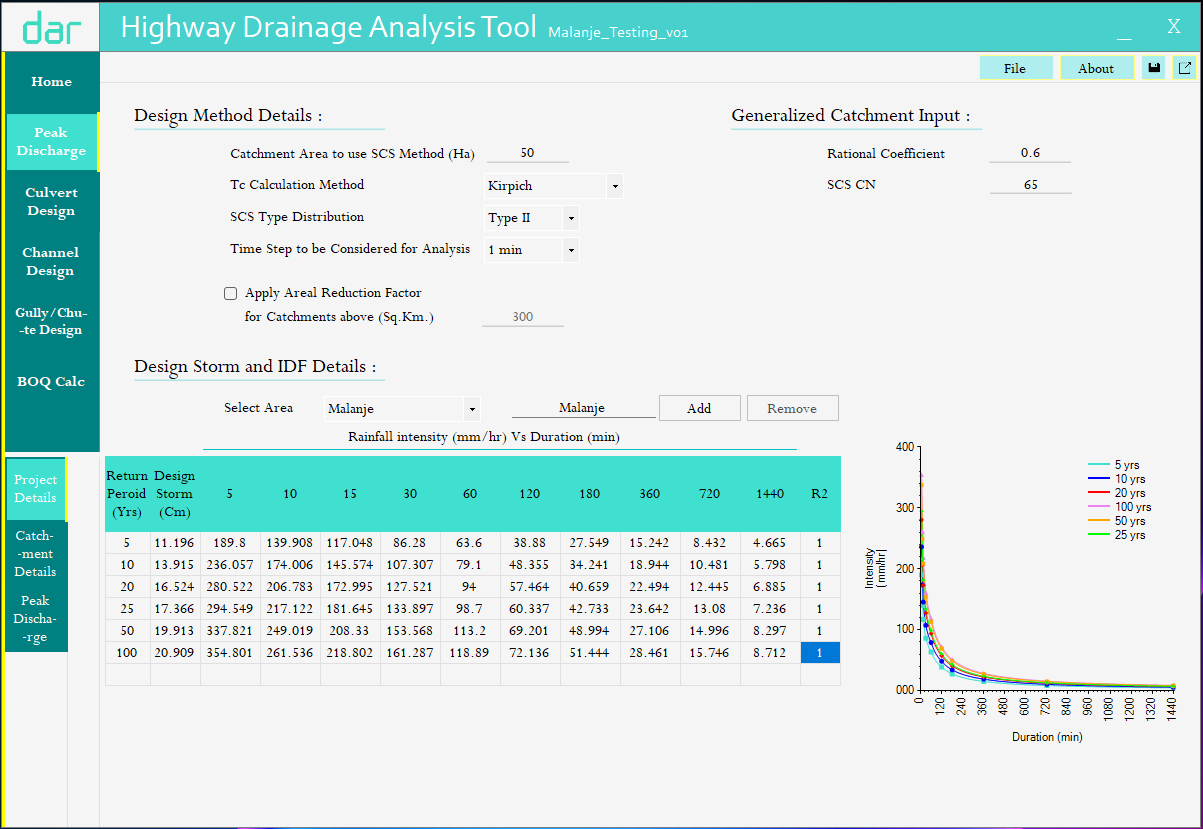
This User Manual documents a practical workflow for using the legacy HDAT desktop tool to produce hydrology, hydraulics, and BOQ outputs for highway drainage.
Prerequisites
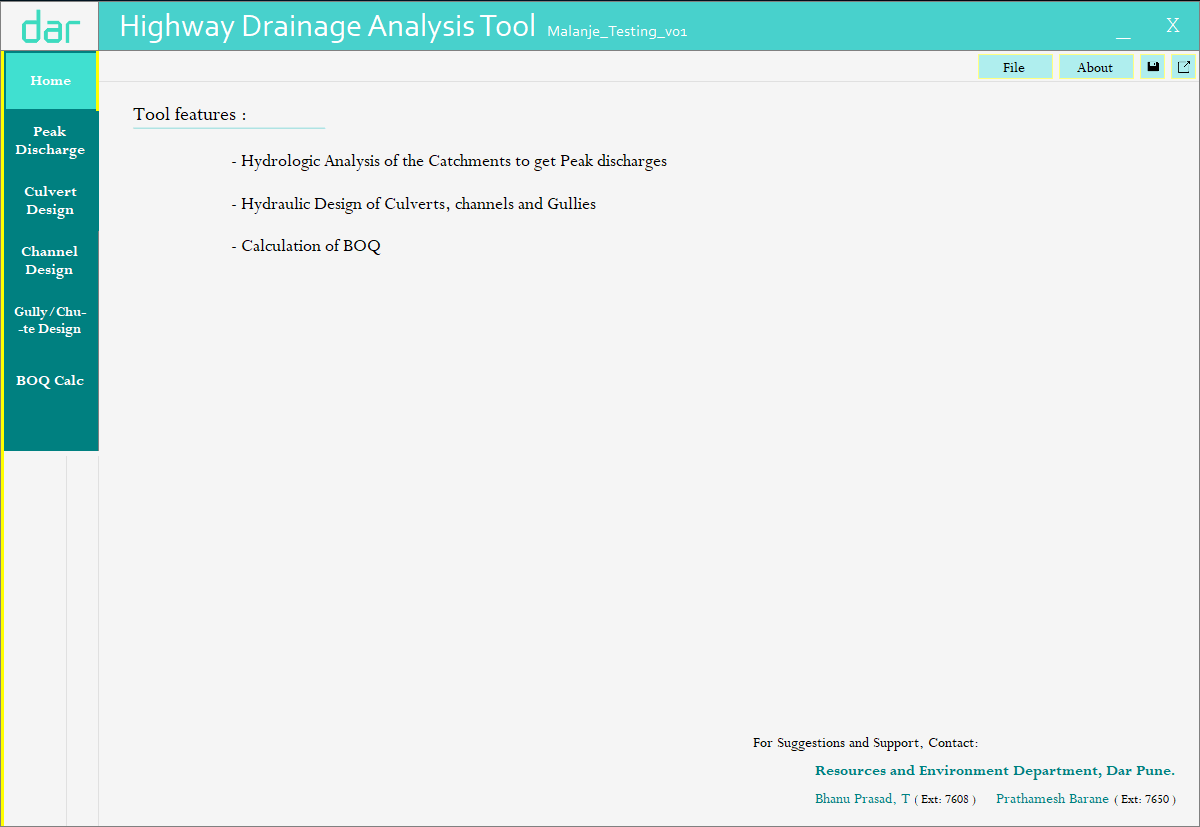
- HDAT installed (desktop application)
- Project inputs available:
- IDF data for the project region (return periods + durations)
- catchment properties (area, flowpath length/elevations or GIS-derived metrics)
- alignment/road drainage assumptions as required
Create a new project
- Launch HDAT.
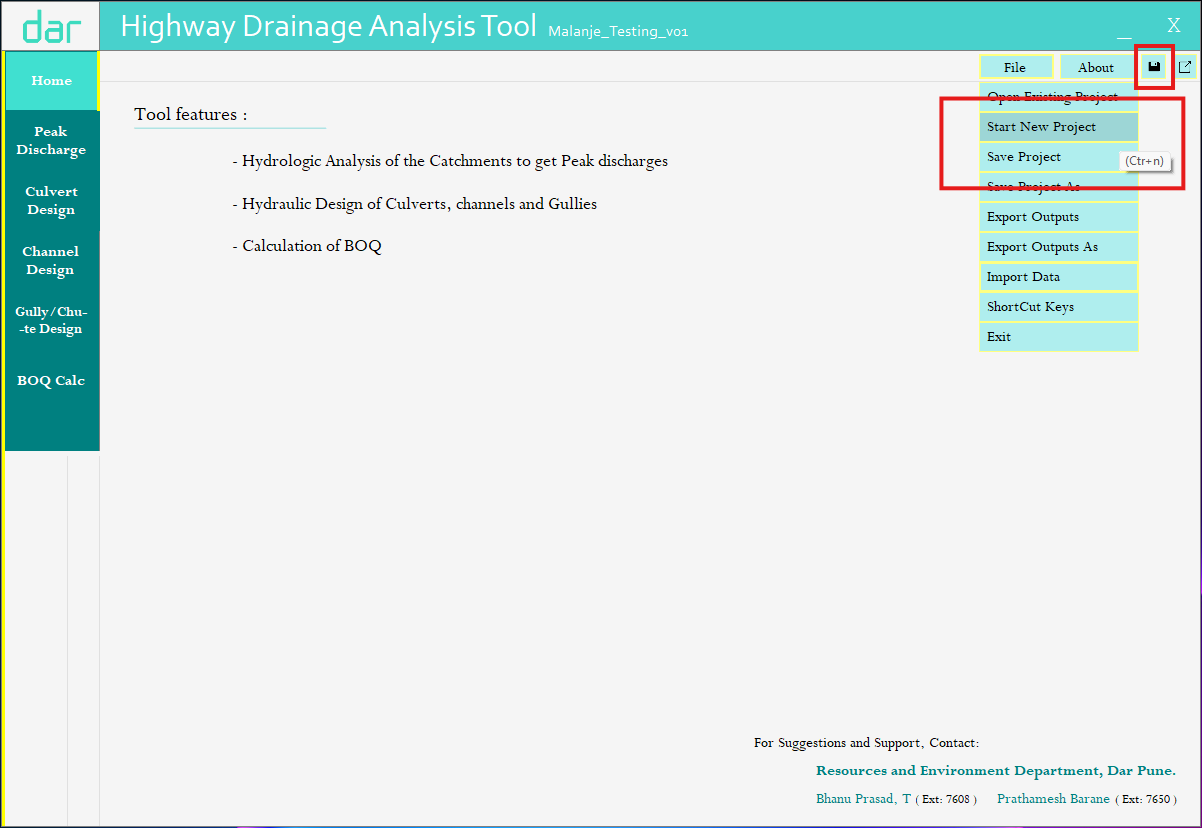
- Create a new project and set the output directory.
- Save the project (legacy format
.hdat01).
Set global defaults
Set (as applicable):
- Tc method (Kirpich / Bransby-Williams)
- Method threshold for Rational vs SCS
- ARF enablement and thresholds (if applicable)
- Default Manning \(n\) and material selections